Setup and feature help
Make your TV setup feel effortless.
Connect your own legal source, understand the available playback tools, and get more from SluiceBox on Google TV and Android TV.
SluiceBox knowledge base
Start with the guide that matches your setup.
SluiceBox is a player, not a television provider. These guides explain how the app organizes data supplied by your own legal provider or playlist.
IPTV Player for Google TV and Android TV
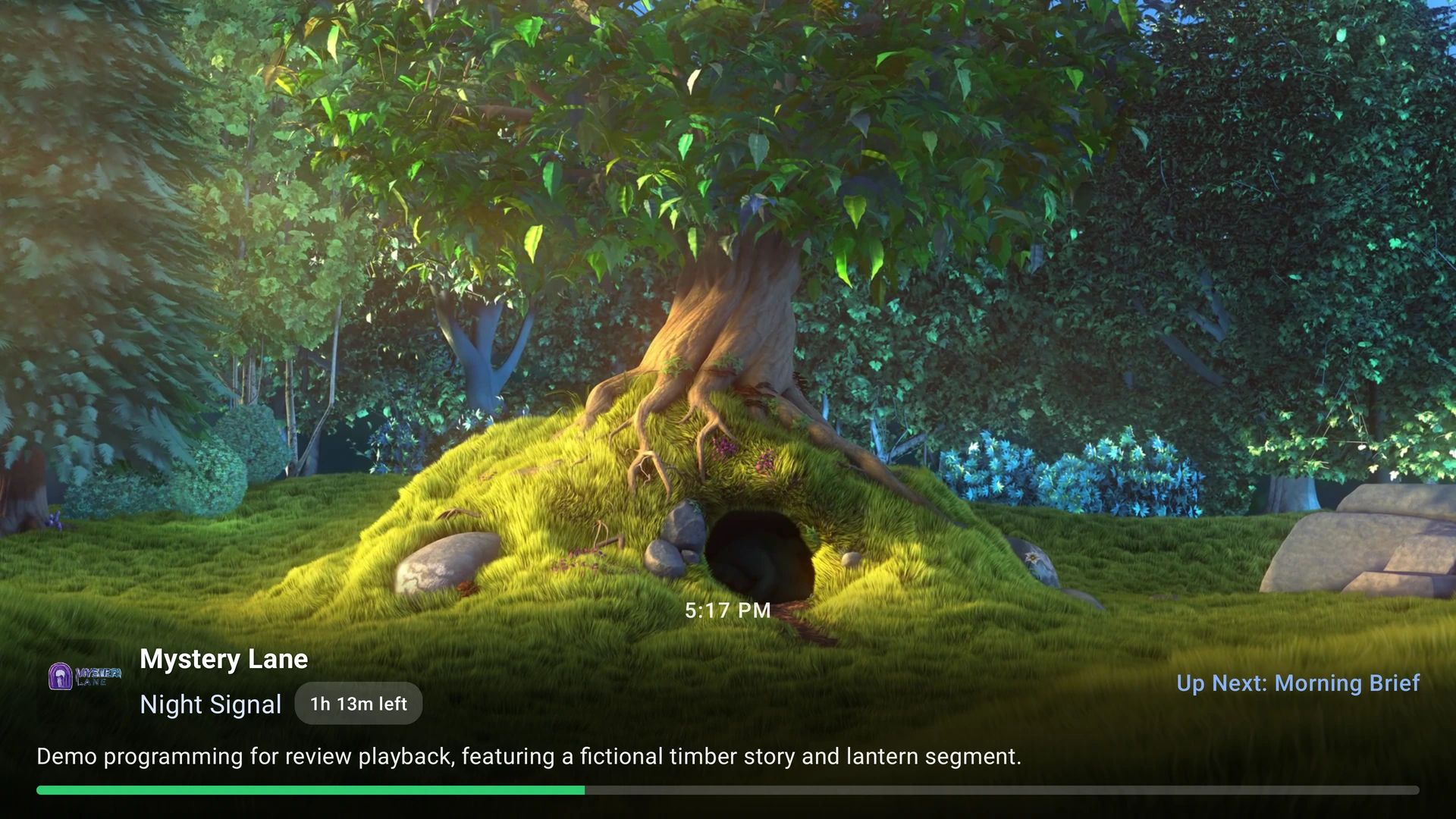
Learn what a TV-first IPTV player does, which devices SluiceBox supports, and what you need before installing.
Read the overview
Xtream Codes-Compatible Setup
Connect a provider using its server address, username, and password while keeping account details private.
Open the setup guide
M3U and XMLTV Setup
Add a remote or local M3U playlist and optionally connect XMLTV data for program names, times, and descriptions.
Open the playlist guide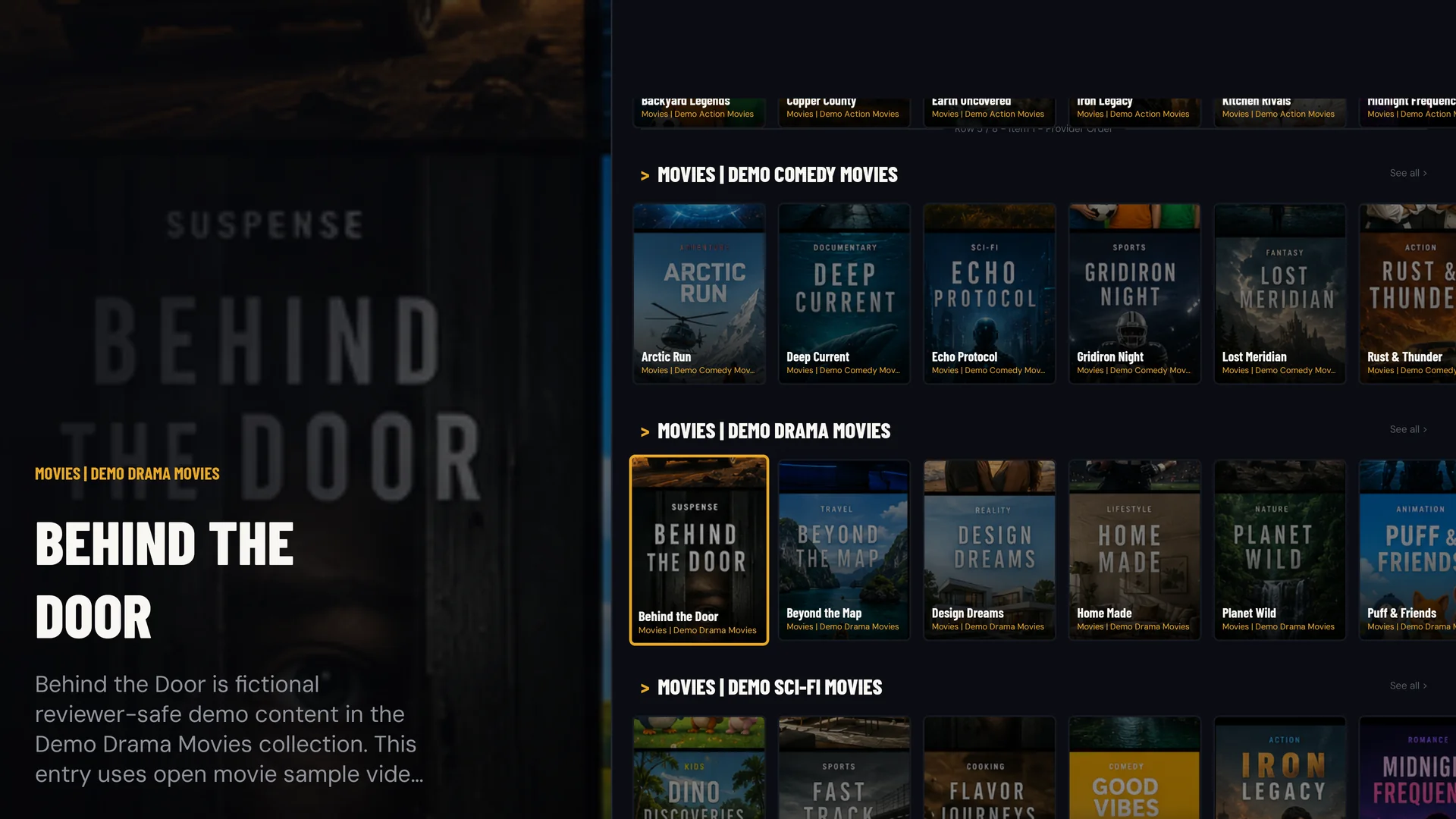
EPG, VOD, DVR, and Catch-Up
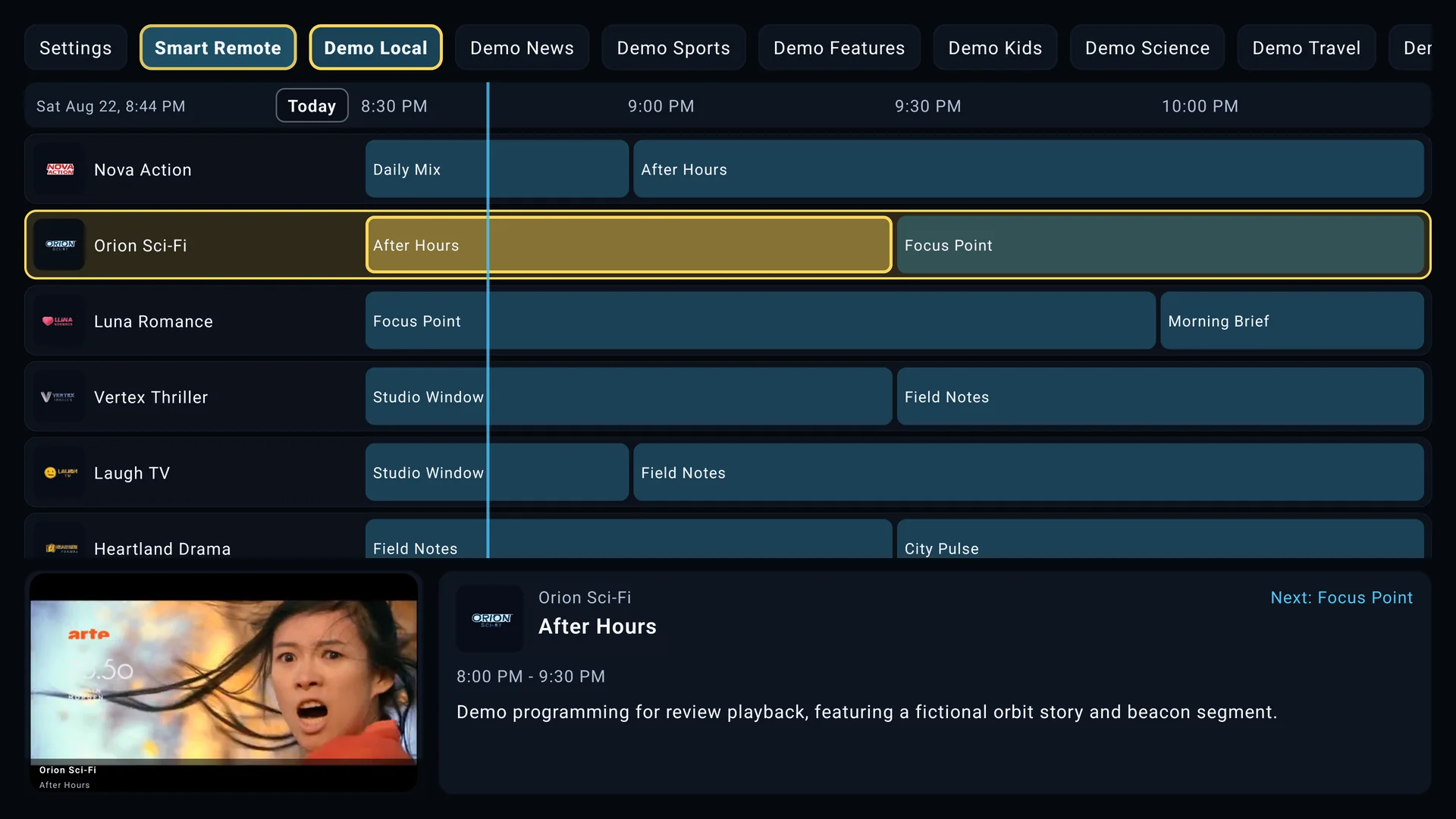
Understand which features come from SluiceBox, which depend on your source, and what device capabilities matter.
Explore the features