Live television
Electronic program guide (EPG)
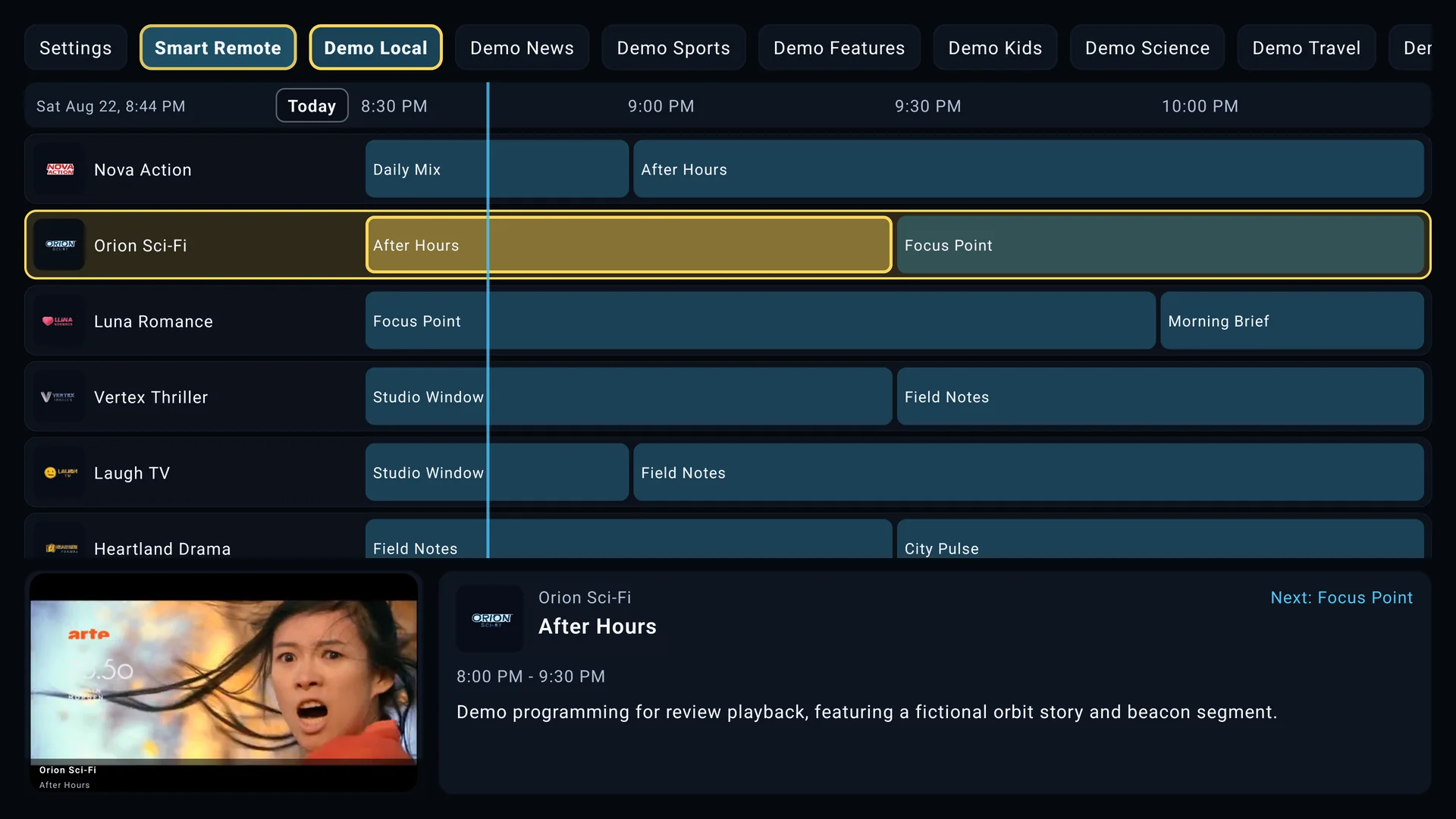
The SluiceBox EPG combines channel information with time-based program listings. Users can move through channel groups, browse past or future listings, search available metadata, create favorites and custom groups, hide or reorder channels, and adjust guide text for viewing distance.
Program titles, descriptions, start times, and episode details come from the connected provider or XMLTV source. If a source provides only stream addresses, the channels may play while their program boxes remain empty.
Movies and series (VOD)
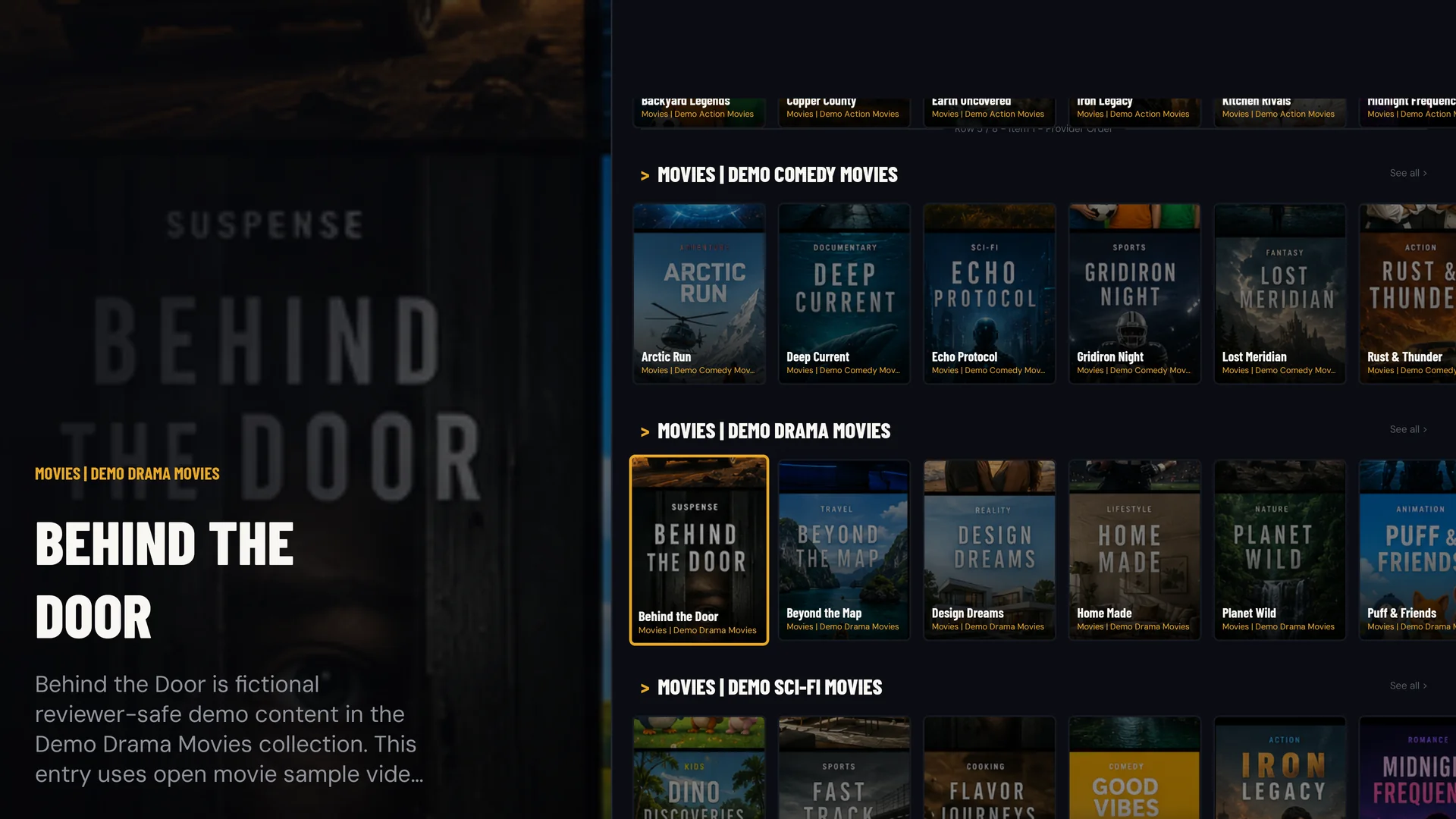
When a source supplies an on-demand catalog, SluiceBox organizes movies and series into remote-friendly rails. Search, My List, viewing history, progress, and resume behavior make large catalogs easier to navigate.
Movie titles can play directly from their cards. Selecting a series opens its available seasons and episodes. Artwork, descriptions, categories, episode lists, runtimes, and playback addresses all depend on the metadata returned by the source.
If a movie or series is missing, refresh the active source and confirm the title exists in the provider's catalog for that account. SluiceBox cannot display a title that the source does not return.
Catch-up playback
Catch-up lets a user select an eligible past program from the EPG and play the archived stream supplied by the provider. The guide listing itself is not a recording. The source must advertise catch-up support and accept the generated request for that channel and time window.
- Past programs are playable only on channels where the source provides catch-up.
- Archive duration and available dates are controlled by the source.
- Playback controls, captions, and audio tracks appear only when present in the returned stream.
- Incorrect guide times can select the wrong archive window, so EPG time alignment matters.
Local DVR recording
DVR records an available live stream to storage accessible to the TV device. A scheduled recording waits for its configured start time, while an immediate recording begins from the current live stream. SluiceBox shows estimated recording capacity based on available storage, but actual duration depends on stream bitrate and free space.
DVR recordings are local. They are not uploaded with SluiceBox backup and sync. Removing app data, disconnecting storage, or deleting the recording file can make a recording unavailable.
For reliable recording, keep the TV device powered, provide sufficient writable storage, and avoid exceeding the provider's simultaneous connection limit. Android background-service restrictions and device power management can affect unattended recording behavior.
Closed captions and audio tracks
The fullscreen and on-demand player menus can expose subtitle and audio selections when the active stream includes them. If no alternate tracks are detected, the controls remain unavailable rather than inventing options.
Some providers embed tracks in the stream, while others supply separate files or omit language labels. Track availability can therefore vary between channels, individual movies, and episodes from the same source.
What SluiceBox controls and what the source controls
SluiceBox controls
- TV navigation, focus behavior, guide layout, themes, search presentation, favorites, custom groups, history, resume tracking, and supported playback controls.
- How compatible source data is stored, organized, refreshed, and presented on the television.
The source or device controls
- Channels, movies, series, program listings, artwork, stream availability, catch-up archives, connection limits, captions, audio tracks, and regional access.
- Available storage, codec support, Android background restrictions, network reliability, and hardware decoding.
This distinction is useful when troubleshooting: a missing menu or incorrect focus is an app-interface issue, while a source returning no program data or an offline stream requires source-side investigation.