The essentials
What does an IPTV player do?
An IPTV player organizes and plays television data supplied by another source. SluiceBox can connect to an Xtream Codes-compatible provider, an M3U playlist, an optional XMLTV guide source, or a local playlist file. It then presents the available channels, guide information, movies, and series in a consistent TV interface.
SluiceBox is not an IPTV service. It does not sell or include television channels, movies, series, playlists, provider accounts, or media subscriptions. That separation matters: the player controls the viewing experience, while the user's source controls which media and metadata are available.
Use authorized sources only. Users are responsible for choosing and accessing sources they are legally permitted to use.
What you need before installing
- A Google TV or Android TV device with access to Google Play.
- A directional remote suitable for television navigation.
- Your own legal Xtream Codes-compatible account, M3U playlist, local M3U file, or supported source data.
- Optional XMLTV data when program guide information is not already supplied.
- Enough local storage for guide data, artwork, app data, and any DVR recordings you choose to make.
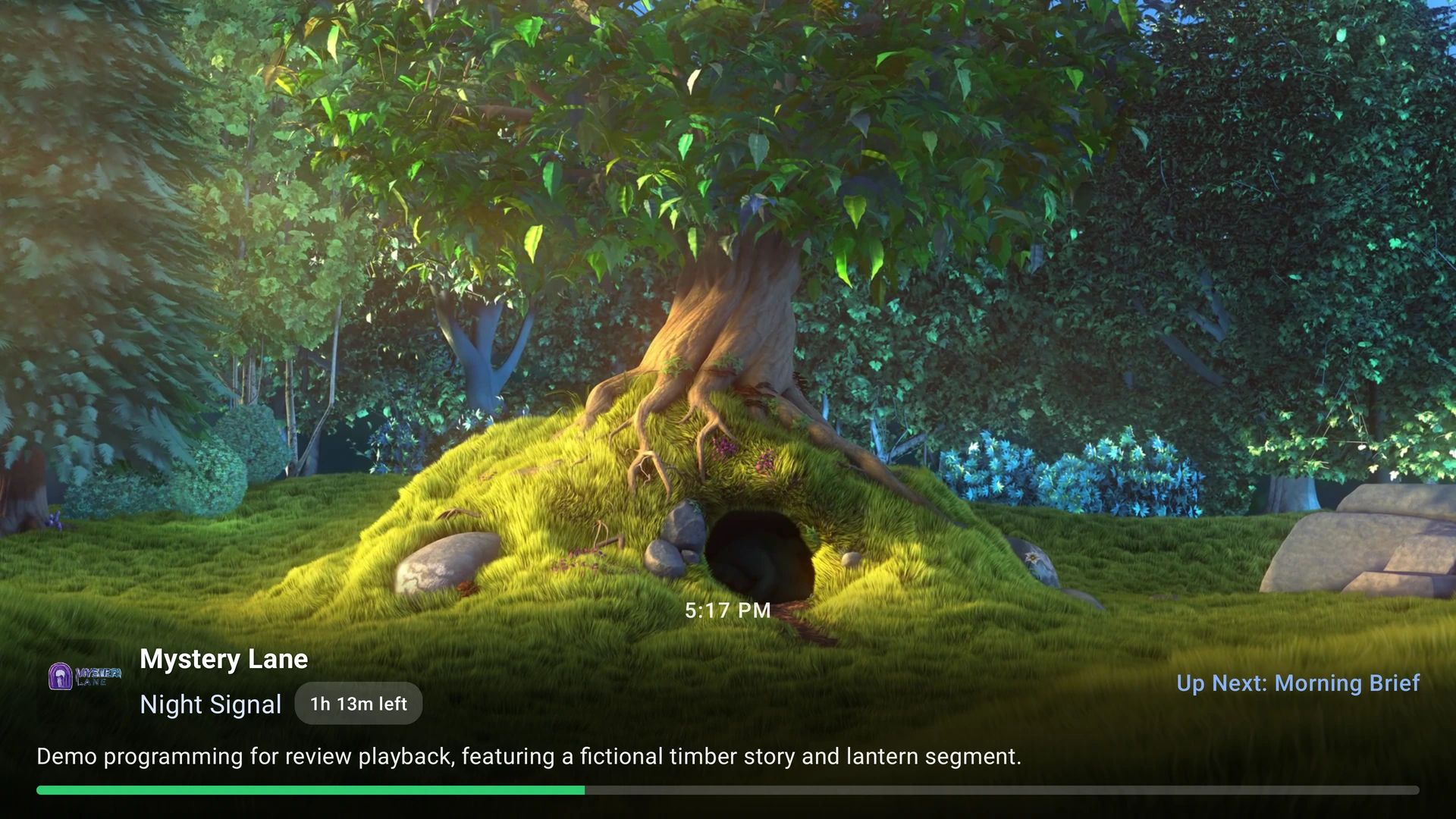
A built-in demo source is available for exploring the layout and controls without entering provider credentials. Demo content is fictional and exists only for interface testing.
Why a TV-first interface matters
Phone interfaces assume tapping, swiping, and close viewing. Television interfaces need visible focus, predictable directional movement, readable text, and fast access to common actions from across a room. SluiceBox is designed around those requirements rather than stretching a mobile layout onto a television.
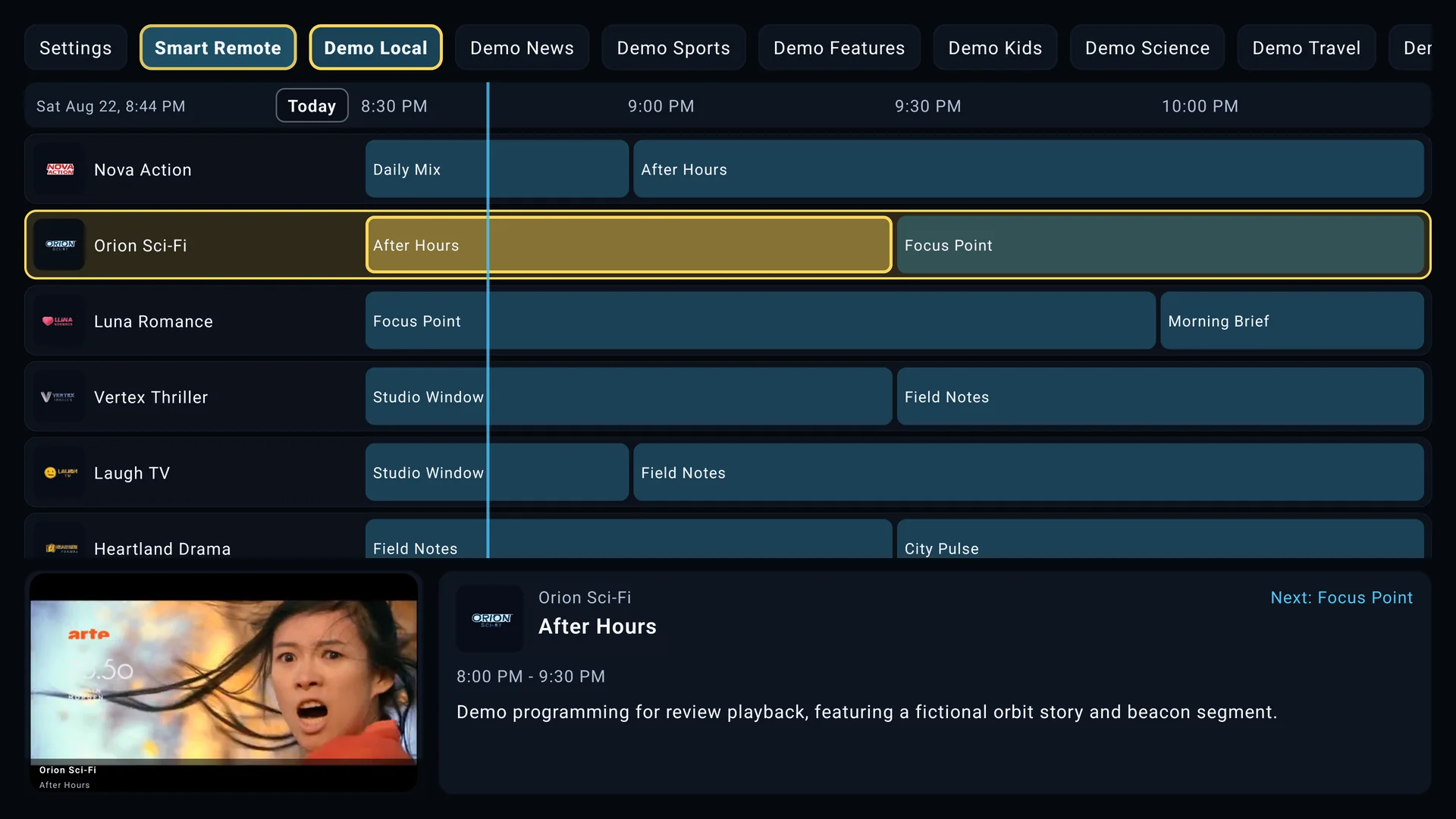
The electronic program guide keeps channels and program listings together. Fast indexes help users move through large channel collections, adjustable guide text improves readability, and source-aware favorites or custom groups preserve the context where a channel was selected.
Movies and series use remote-friendly rails, search, My List, viewing history, and resume playback. Available information still depends on the titles and metadata provided by the connected source.
Free Lite and Premium
Lite
Lite provides the core guide and playback experience so users can evaluate SluiceBox with their own source before purchasing an upgrade.
Premium
Premium expands the experience with the guide preview player, supported DVR tools, multiple user sources, backup and sync, advanced organization, and additional customization. Optional premium themes are separate purchases and can substantially change the guide and VOD presentation.
Google Play handles purchases, subscriptions, renewals, and local pricing. The current options and prices shown on a device are the authoritative offers for that account and region.
Feature compatibility
Not every source or television exposes the same capabilities. EPG details, catch-up playback, movies, series, subtitles, audio tracks, logos, and stream formats are supplied by the connected source. DVR and picture-in-picture behavior can also depend on Android version, device storage, hardware support, and source restrictions.
SluiceBox is designed for Google TV and Android TV. It is not intended to be a phone or tablet media player.